

Key Takeaways
Our Verdict
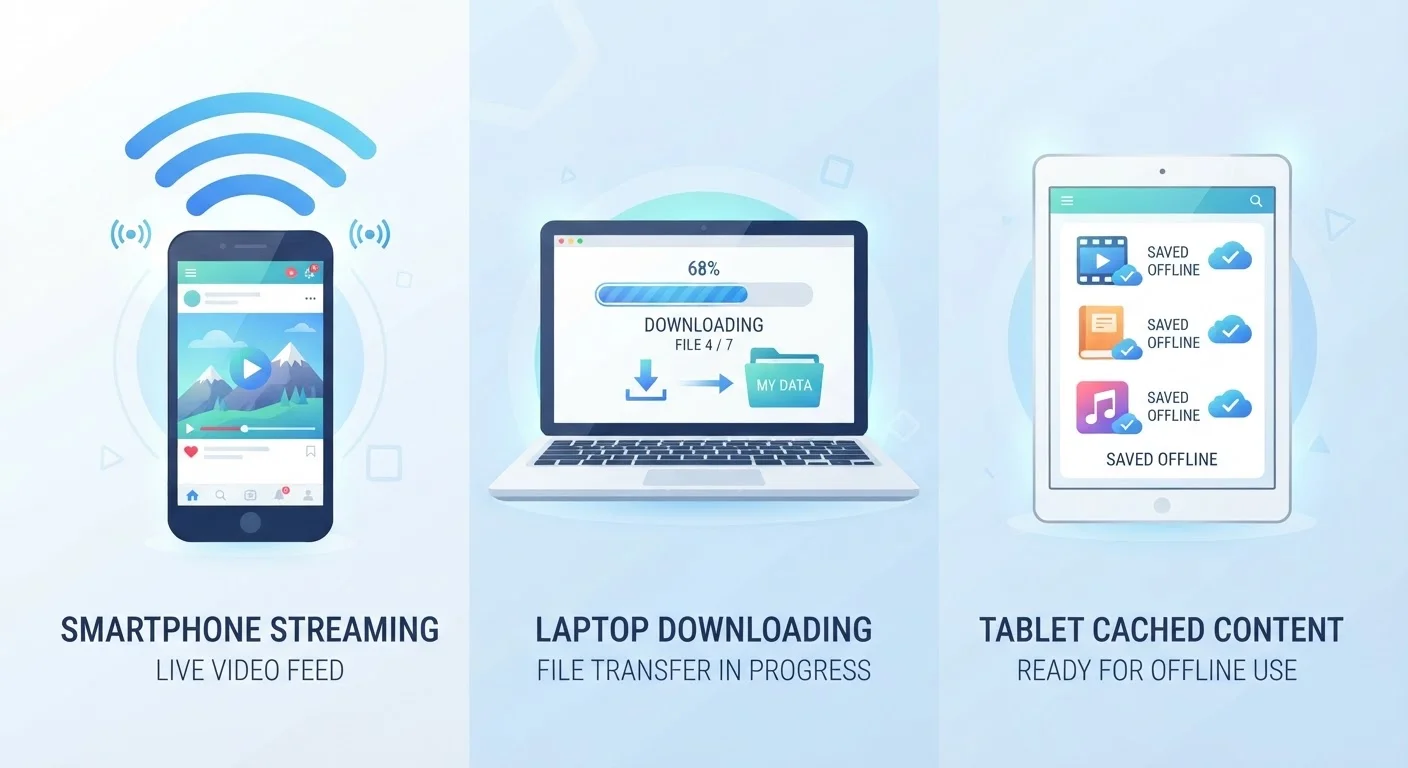
Streaming is the most convenient option when you have a reliable, fast connection, but it burns through data continuously. Downloading makes sense for planned offline viewing, especially on longer trips. Caching is largely automatic - it's the platform's tool to smooth out your experience, not a choice you actively make most of the time.
| Best for | Recommended |
|---|---|
| Viewers with fast, unlimited home internet | Streaming |
| Travelers or commuters without reliable connectivity | Downloading |
| Users who rewatch the same content repeatedly | Caching |
| Mobile users on limited or throttled data plans | Downloading |
How Streaming Actually Works
When you press play on a streaming service, your device doesn't wait to receive the entire video file before starting playback. Instead, the video arrives in small sequential chunks - typically a few seconds' worth at a time - and your device plays each chunk as it arrives. This continuous delivery is called streaming.
Because the video is never fully saved to your device, it doesn't occupy permanent storage space. The trade-off is a constant dependence on your internet connection. If your connection slows or drops, playback stalls. Streaming services adapt to this by automatically adjusting video quality - scaling down resolution when bandwidth is limited and scaling back up when it recovers. This adaptive behavior is why a video might briefly look blurry, then sharpen again.
Streaming is data-hungry by nature. A single hour of HD video can consume 3 GB or more of data, depending on the platform and quality setting. For households on capped home internet or mobile users approaching their plan's soft limits, this adds up quickly. See our explanation of data throttling and caps for more on how heavy streaming can affect your plan mid-month.
What Downloading Actually Does
Downloading transfers a complete video file from a server to your device's local storage before you watch it. Once the download finishes, playback requires no internet connection at all - the file lives on your phone, tablet, or computer just like any other saved document.
Most streaming apps that offer downloads (such as video-on-demand and subscription platforms) use a managed download system, meaning the file is tied to your account and the app. It isn't a freely transferable file you can copy anywhere - it's a licensed copy that the app controls, and it may expire after a set number of days or if your subscription lapses.
The clear advantage is reliability. Downloads are unaffected by spotty Wi-Fi on a plane, a dead zone on a road trip, or slow rural connections. The cost is storage space and the time required to download in advance. A two-hour movie at HD quality can occupy 4-6 GB of device storage, which matters on phones with limited capacity.
Download on Wi-Fi Before You Travel
The most effective way to avoid data overages on the road is to download content while connected to home Wi-Fi the night before. Set downloads to your preferred quality level - lower resolution means smaller file sizes and more content fits on your device. Most apps let you choose this in their settings before initiating a download.
Understanding your download speed matters here - a faster connection means downloads finish sooner, so you spend less time waiting before you can go offline.
Caching: The Behind-the-Scenes Buffer
Caching sits between streaming and downloading in how it works, and most people experience it without ever thinking about it. When you stream a video, your device typically saves a short buffer of upcoming content - anywhere from a few seconds to several minutes ahead - in temporary storage. This is caching.
Caching also happens at a broader level: platforms and internet service providers store popular content on servers that are geographically close to large numbers of users. This reduces the distance data has to travel and cuts down on buffering delays. When you stream a widely watched show, there's a reasonable chance the video is being served from a regional cache rather than a distant central server.
On your device, cached data is temporary. It gets cleared automatically when storage runs low or when the app's cache is flushed. You can't deliberately choose to cache something the way you choose to download it - caching is a performance mechanism, not a user-controlled feature.
| Streaming | Downloading | Caching | |
|---|---|---|---|
| Requires active internet | Yes, continuously | No, after download completes | Partially (buffers ahead) |
| Uses device storage | Minimal (temporary only) | Yes, significant space | Minimal, temporary only |
| Data consumption timing | Ongoing while watching | All upfront during download | Ongoing, with small buffer |
| Offline playback | Not supported | Fully supported | Not reliably supported |
| Video quality control | Adaptive, auto-adjusts | Fixed at download time | Adaptive, mirrors stream |
| User control over process | High (quality settings) | High (timing, quality) | Low (mostly automatic) |
For readers who store other content in the cloud, our plain-English guide to cloud storage explains how remote storage and local caching relate to each other.
Picking the Right Approach for Your Situation
The method that makes the most sense depends on three practical factors: connection reliability, data plan limits, and storage space.
- Reliable, fast home Wi-Fi with generous data: Streaming is the path of least resistance. No storage is consumed, content libraries are fully accessible, and quality is typically high. For context on what speeds support smooth HD or 4K streaming, the Home Internet hub covers internet service types and speed tiers.
- Limited or throttled mobile data: Downloading content over Wi-Fi before you leave home keeps you from chewing through mobile data while watching. Check whether your plan's video quality is restricted at certain data thresholds - some plans cap streaming resolution, which affects whether it's worth streaming at all. The differences between unlimited plans are worth understanding before making this call.
- Intermittent or unreliable connectivity: Downloading before travel is the most practical choice. Caching alone won't protect you - a cache only buffers a short window ahead and can't survive a long connectivity gap.
Most people end up using all three methods depending on the situation. The key is knowing which one is working in a given moment, so you can make intentional choices about data and quality rather than being caught off guard.