

Key Takeaways
ISP handles repairs and replacements at no extra cost
If a rented device fails, your ISP is obligated to replace it, often shipping a new unit or dispatching a technician. You don't absorb the cost of hardware failure.
No upfront equipment purchase required
Renting avoids an immediate out-of-pocket expense, which matters for new subscribers or those moving to a new address with other setup costs.
Guaranteed compatibility with your ISP's network
ISP-supplied hardware is pre-tested and configured for their specific network, reducing the chance of activation problems or unsupported features.
Useful for short-term or transitional living situations
For renters on month-to-month leases or those planning to move within a year, a rented device avoids the risk of purchasing hardware that doesn't work with the next ISP.
Rental fees add up to significant cost over time
At typical rates of $10-$15 per month, renting costs $120-$180 per year - often exceeding the purchase price of a comparable device within 18 to 24 months.
Less control over device features and settings
ISP-supplied gateways often have limited firmware options and may restrict advanced settings like custom DNS, VPN passthrough, or detailed parental controls.
ISP can change or recall equipment on their schedule
Because the ISP owns the hardware, they can require a swap during network upgrades, which may reset your custom configurations without prior warning.
Security updates depend entirely on the ISP's timeline
You have no control over when - or whether - your rented device receives firmware security patches, which can be a concern if the ISP is slow to push updates.
Our Verdict
For most people who plan to stay with the same ISP for more than two years, purchasing a compatible modem or router typically makes financial sense. Renting is a reasonable short-term or low-hassle option, but the recurring fees add up quickly and provide little long-term value. The right call depends on your ISP's policies, your technical comfort level, and how long you expect to stay at your current address.
Renting suits renters on short-term leases or those who strongly prefer zero-maintenance convenience; owning suits anyone settling in for the long haul who wants lower monthly costs and more control over their network.
How ISP Equipment Rental Actually Works
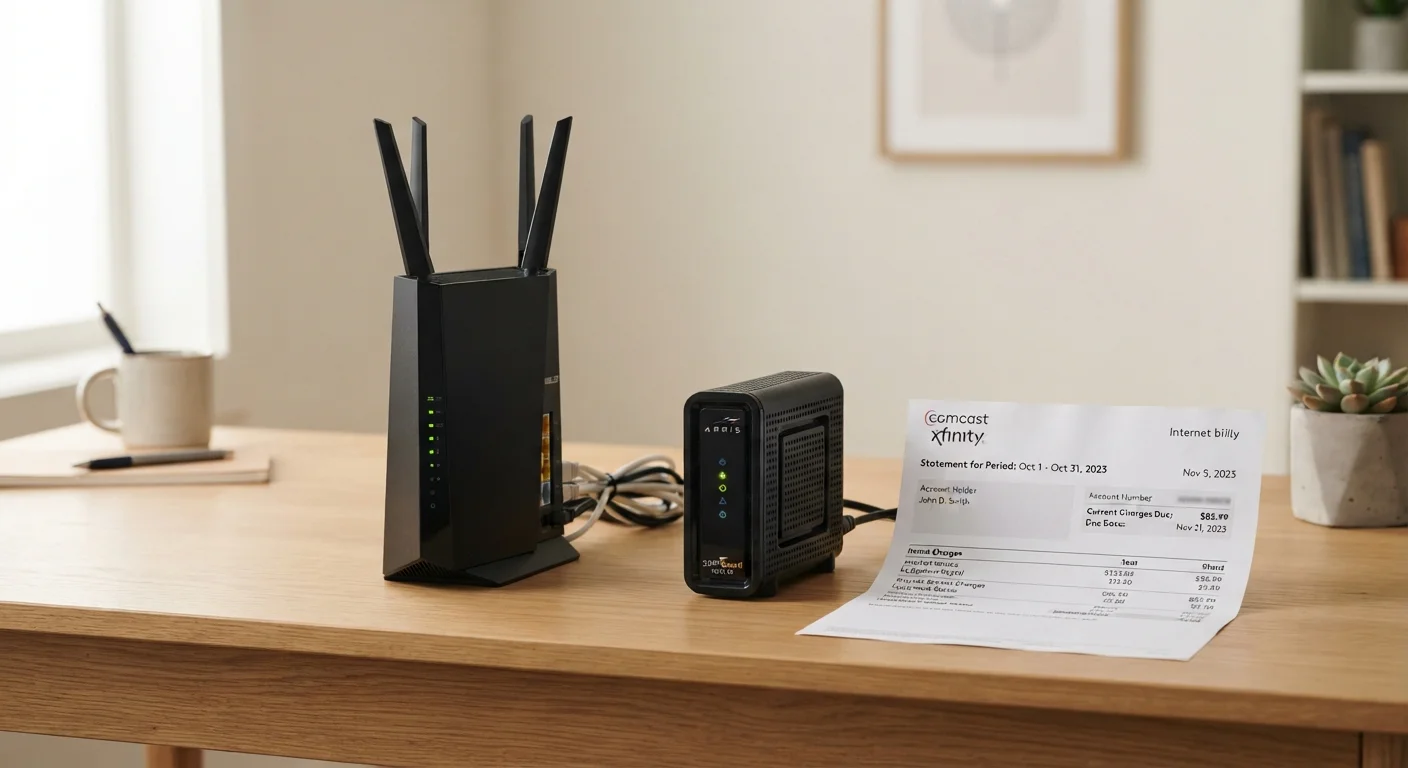
When you sign up for home internet service, your ISP will typically offer - or in some cases require - that you use their supplied modem, router, or a combined gateway device. In exchange, they charge a recurring monthly rental fee, often listed on your bill as an "equipment fee" or "gateway fee." This fee generally ranges from around $10 to $15 per month, though some providers charge more depending on the tier of equipment provided.
The ISP retains ownership of the device. If it fails, they are responsible for sending a replacement. If you cancel your service, you are expected to return the hardware. From the carrier's perspective, this arrangement ensures customers use tested, compatible equipment and reduces support calls caused by incompatible third-party gear.
What many customers don't realize is that this fee is almost always optional - at least for cable and fiber internet customers. DSL and some fiber providers may have more restrictions, but in most cases you have the legal right to use your own approved equipment instead. The key word is approved: ISPs publish lists of compatible third-party modems and routers, and using a device not on that list can result in connectivity problems or a denial of support.
The Case for Renting: Convenience Has Real Value
ISP handles repairs and replacements at no extra cost
If a rented device fails, your ISP is obligated to replace it, often shipping a new unit or dispatching a technician. You don't absorb the cost of hardware failure.
No upfront equipment purchase required
Renting avoids an immediate out-of-pocket expense, which matters for new subscribers or those moving to a new address with other setup costs.
Guaranteed compatibility with your ISP's network
ISP-supplied hardware is pre-tested and configured for their specific network, reducing the chance of activation problems or unsupported features.
Useful for short-term or transitional living situations
For renters on month-to-month leases or those planning to move within a year, a rented device avoids the risk of purchasing hardware that doesn't work with the next ISP.
The strongest argument for renting is simplicity. When something goes wrong - whether it's a firmware issue, a hardware failure, or a compatibility problem after a network upgrade - the responsibility falls on the ISP, not you. For households without a technically confident member, that peace of mind is genuinely worth something.
Renting also removes the upfront cost. A quality DOCSIS 3.1 cable modem can run $80 to $150 or more, and a capable Wi-Fi router adds to that expense. For someone moving frequently or on a short-term lease, paying a monthly fee rather than buying hardware they may not use long avoids a financial gamble. Similarly, renters who expect to switch ISPs within the next year may find that a leased device sidesteps the compatibility headache entirely.
The Case for Owning: Long-Term Savings and More Control
Rental fees add up to significant cost over time
At typical rates of $10-$15 per month, renting costs $120-$180 per year - often exceeding the purchase price of a comparable device within 18 to 24 months.
Less control over device features and settings
ISP-supplied gateways often have limited firmware options and may restrict advanced settings like custom DNS, VPN passthrough, or detailed parental controls.
ISP can change or recall equipment on their schedule
Because the ISP owns the hardware, they can require a swap during network upgrades, which may reset your custom configurations without prior warning.
Security updates depend entirely on the ISP's timeline
You have no control over when - or whether - your rented device receives firmware security patches, which can be a concern if the ISP is slow to push updates.
The math on renting tends to work against long-term subscribers fairly quickly. At $12 per month, a rented gateway costs $144 per year and $288 over two years - enough to buy a solid, compatible modem-router combo with money to spare. Over five years, that same rental fee totals $720, while a purchased device costing $120 would have paid for itself roughly five times over.
Beyond the financial case, owning your hardware gives you more flexibility. You can choose a router with stronger Wi-Fi coverage, better parental controls, or advanced security features that ISP-supplied gear often lacks. Security-conscious households in particular may prefer the control that comes with selecting their own router - see our guide on securing your home network without a networking degree for practical steps once your equipment is in place.
You also avoid being subject to the ISP's equipment upgrade cycles on their terms. Some ISPs have been known to swap out older rented equipment, sometimes resetting custom settings in the process.
$120-$180
Typical annual modem rental cost
Based on common ISP equipment fee ranges of $10-$15 per month, widely reported in consumer internet plan documentation.
~2 years
Typical break-even point for buying a modem
A compatible cable modem purchased for $80-$150 generally recoups its cost versus rental fees within 12 to 24 months for most subscribers.
What to Check Before You Buy Your Own Equipment
Before purchasing a modem or router, confirm three things with your ISP: whether third-party equipment is permitted on your plan type, which specific models appear on their approved compatibility list, and whether any features - such as voice service for a bundled phone line - require their proprietary hardware.
Cable internet customers (using DOCSIS technology) generally have the widest selection of compatible third-party modems. Fiber customers face more variability - some fiber providers supply an ONT (optical network terminal) that handles the fiber-to-ethernet conversion, and only the router portion is user-replaceable. Others lock the entire gateway. Satellite internet typically requires ISP-supplied equipment by design.
Fiber and Satellite Equipment Rules Differ
Fiber internet subscribers may not be able to replace all of their equipment. Many fiber providers supply an ONT (optical network terminal) that must stay in place, while only the router portion is customer-replaceable. Satellite internet services typically require proprietary hardware throughout. Always confirm with your specific provider what, if anything, is eligible for third-party replacement before purchasing equipment.
Once you've confirmed compatibility, keep your purchase receipt and original packaging. If your ISP updates their network in a way that drops support for your device, you'll want proof of purchase for the return process.
Making the Decision for Your Situation
There's no single right answer here - the trade-off closely mirrors the kinds of decisions people face in other rent-vs.-own contexts. The calculus shifts depending on time horizon, upfront budget, and how much hassle you're willing to manage. The framework for thinking through rent-vs.-own decisions in your own life applies to hardware in much the same way it applies to housing.
If you've been renting your modem for more than 18 months, it's worth calculating what you've paid in fees against the cost of a compatible replacement. In many cases, the math will clearly favor owning going forward. If you're new to a service or uncertain about your provider's long-term fit for your needs, waiting a few months before committing to hardware is a reasonable hedge.
Whatever you decide, understanding what you're paying for - and why - puts you in a stronger position when it comes time to review your monthly bill or negotiate with your ISP.