

Key Takeaways
Start here
What Two-Factor Authentication Actually Means
Build understanding
The Three Types of Authentication Factors
See it in action
How 2FA Works in Practice
Understand the value
Why the Extra Step Is Worth It
Take action
How to Turn On 2FA for Your Accounts
What Two-Factor Authentication Actually Means
A password is a single lock on your front door. Two-factor authentication (2FA) adds a deadbolt - a second, independent barrier that must be cleared before anyone gets in. Even if someone knows your password, they cannot access your account without also passing the second check.
The word factor refers to a distinct category of proof. Authentication systems have long recognized three: something you know (a password or PIN), something you have (a phone or hardware key), and something you are (a fingerprint or face). Two-factor authentication combines any two of these categories, making unauthorized access dramatically harder.
Two-factor authentication (2FA)
A login process that requires two separate types of proof before granting access - typically your password plus a time-limited code from your phone.
Authenticator app
A smartphone app that generates short, time-sensitive login codes locally on your device, without relying on a text message.
SIM swapping
An attack where a criminal convinces a mobile carrier to transfer your phone number to a device they control, allowing them to receive your SMS verification codes.
One-time code (OTP)
A short numeric code - usually six digits - that is valid for a single login attempt and expires within about 30 seconds.
Backup codes
Single-use emergency codes provided when you set up 2FA, used to regain account access if you lose your second-factor device.
Phishing
A scam where attackers trick you into entering your credentials on a fake website or in response to a fraudulent message.
The Three Types of Authentication Factors
Understanding the categories helps you evaluate the options your accounts offer:
- Something you know - passwords, PINs, security questions. These can be guessed, phished, or leaked in data breaches.
- Something you have - a smartphone running an authenticator app, a hardware security key, or a SIM card that receives SMS codes. Physical possession makes remote attacks much harder.
- Something you are - biometrics like a fingerprint or face scan. These are typically used as the second factor on a device you already own.
Most consumer 2FA pairs a password (know) with a time-based one-time code delivered to a device you own (have). That combination covers the vast majority of everyday account security needs.
How 2FA Works in Practice
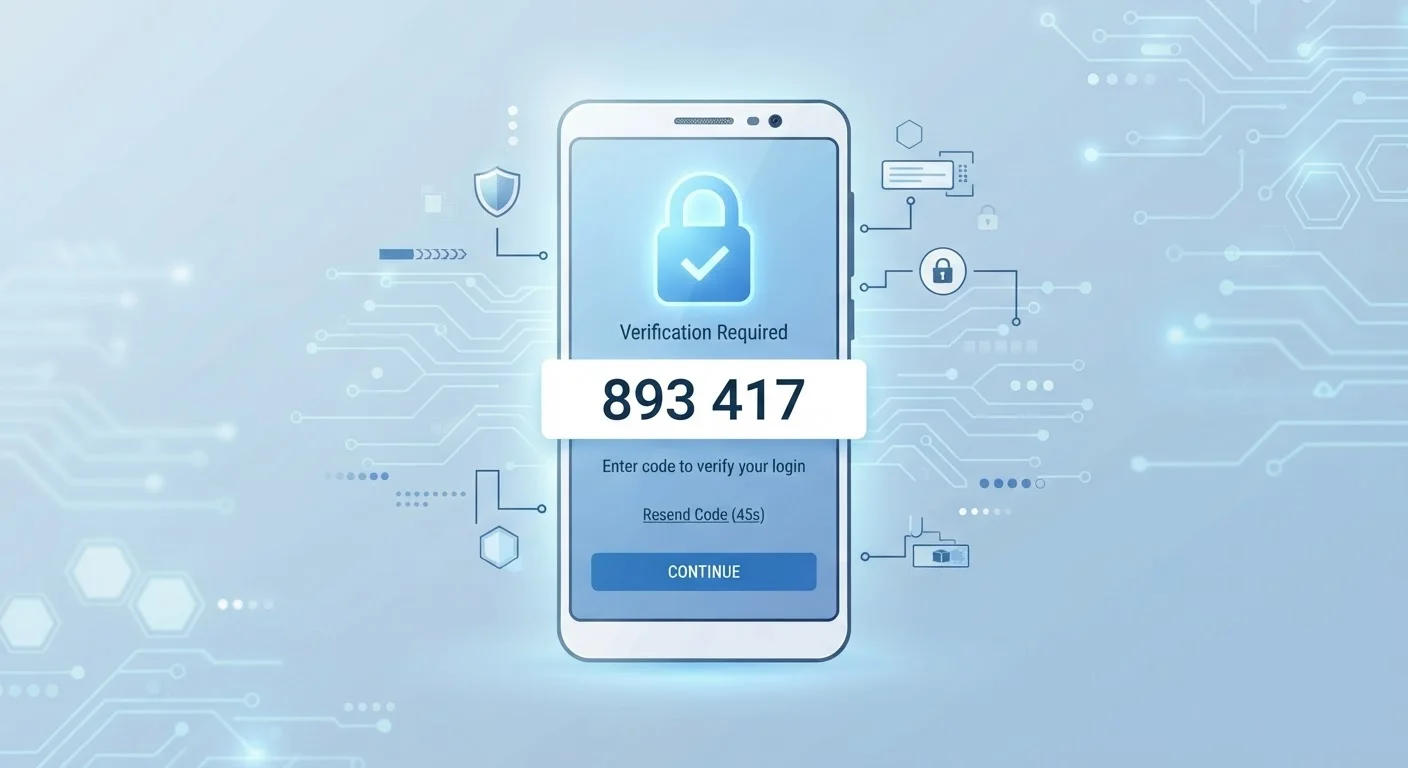
Here's what a typical 2FA login looks like step by step:
- You enter your username and password as usual.
- The site recognizes your credentials but holds access until a second factor is verified.
- You open an authenticator app on your phone, which displays a six-digit code that refreshes every 30 seconds - or you receive a code via SMS.
- You enter that code on the login screen.
- Access is granted.
The short validity window on those codes is intentional. A code that expires in 30 seconds is useless to an attacker who intercepts it after the fact.
Choose an Authenticator App Over SMS When Possible
Most major email, social media, and financial platforms support authenticator apps as a 2FA option. When given the choice during setup, select the app-based option rather than SMS. Apps like these generate codes offline, so they work without cellular service and aren't vulnerable to SIM-swapping attacks.
Authenticator apps - which generate codes locally on your device without sending a text message - are generally considered more secure than SMS codes. They work even without a cellular signal and are not susceptible to SIM-swapping attacks, where criminals convince a carrier to transfer your phone number to a device they control.
Why the Extra Step Is Worth It
Passwords get exposed more often than most people realize. Data breaches at large websites regularly result in millions of credentials circulating in criminal markets. If you reuse a password across sites - a common habit - a single breach can cascade into multiple compromised accounts.
Security researchers and government cybersecurity agencies have consistently identified 2FA as one of the most effective controls available to ordinary users. It doesn't prevent every attack, but it raises the effort required to compromise an account substantially.
Your email account deserves special attention. Because it's used to reset passwords elsewhere, it is often the master key to your entire digital life. Protecting it with 2FA limits the blast radius of any other credential being exposed.
If you use a password manager to maintain strong, unique passwords for every site - a practice covered in our guide to password managers - adding 2FA on top creates a two-layered defense that is well beyond what most attackers bother to defeat.
How to Turn On 2FA for Your Accounts
The process varies slightly by platform, but the general path is consistent:
- Go to your account's Security or Privacy settings.
- Look for an option labeled Two-factor authentication, Two-step verification, or Login verification.
- Choose your preferred second factor - authenticator app codes are recommended over SMS where available.
- Follow the on-screen prompts to link your authenticator app or phone number.
- Save any backup codes the service provides in a secure location.
Prioritize in this order: primary email account, financial and banking accounts, any platform storing payment data, then social media and other services. Five minutes of setup per account is a reasonable estimate for most people.
Save Your Backup Codes Before You Need Them
When a service gives you backup codes during 2FA setup, treat them like a spare key - store them somewhere you can actually find them if your phone is lost or broken. A printed copy in a secure location or a note inside a password manager are both reasonable options. If you skip this step and lose your second factor, regaining access can be time-consuming.
Once 2FA is active, your accounts are meaningfully better protected - without requiring any ongoing effort beyond entering a short code at login.